
Update the operating system
Install pending security updates first. A wallet cannot protect keys on a compromised system.
MultiBit is a lightweight wallet, so it does not need the disk space or bandwidth of a full node. Check your operating system, storage, and connection before installing.
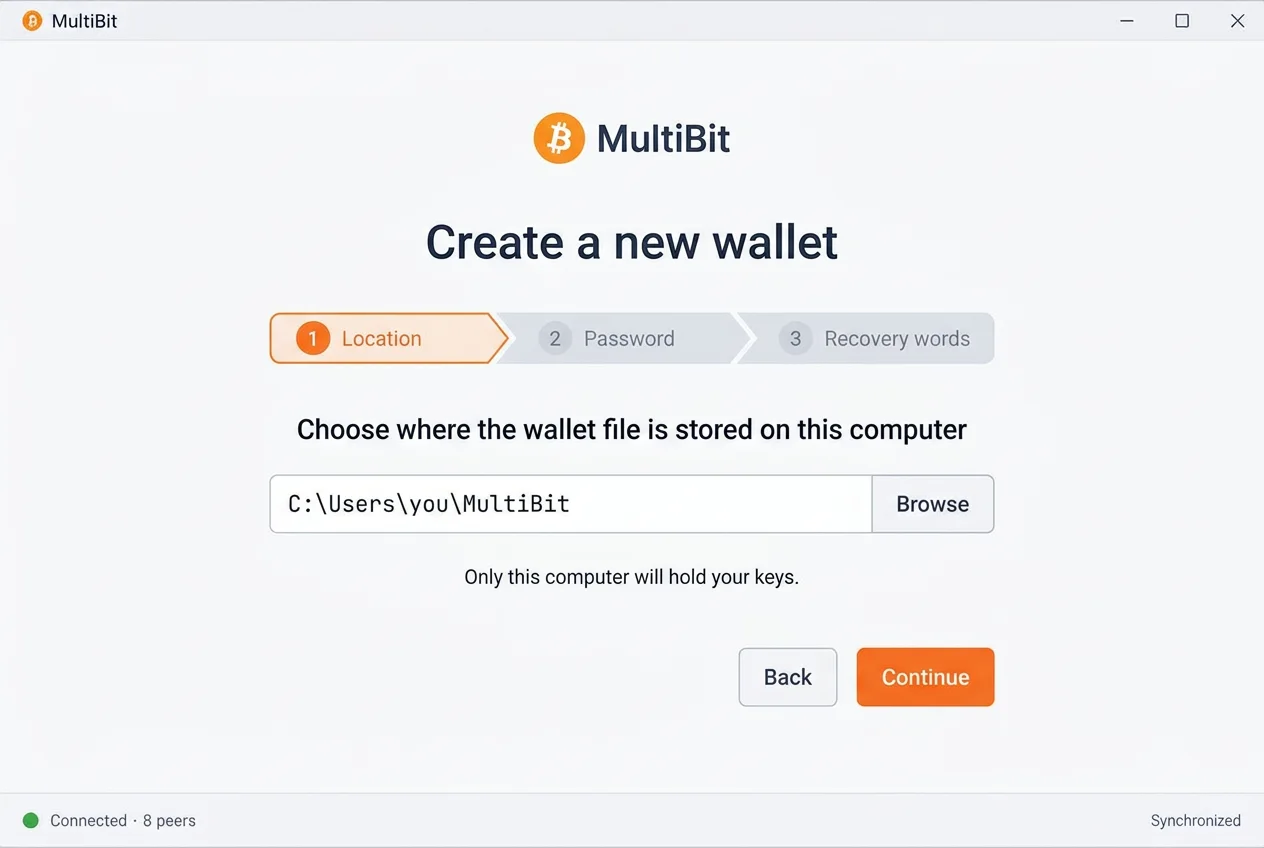
Any current desktop meets the hardware bar. The real requirement is trust: during setup you pick a folder on this computer for the wallet file, and your keys stay there.
64-bit desktop edition.
Desktop edition for current macOS releases.
64-bit desktop distributions.
Any computer that runs a current desktop operating system comfortably.
Space for the application and wallet data. No full blockchain download is needed.
Required for synchronization and sending. Viewing saved history works offline.
Install pending security updates first. A wallet cannot protect keys on a compromised system.
Decide where the written words will live before setup asks you to record them.
The wallet needs outgoing connections to Bitcoin peers to synchronize and send.
The first run downloads block headers. Keep the computer online until the status reads up to date.
The manual covers verifying the installer, recording recovery words, and the first synchronization.